
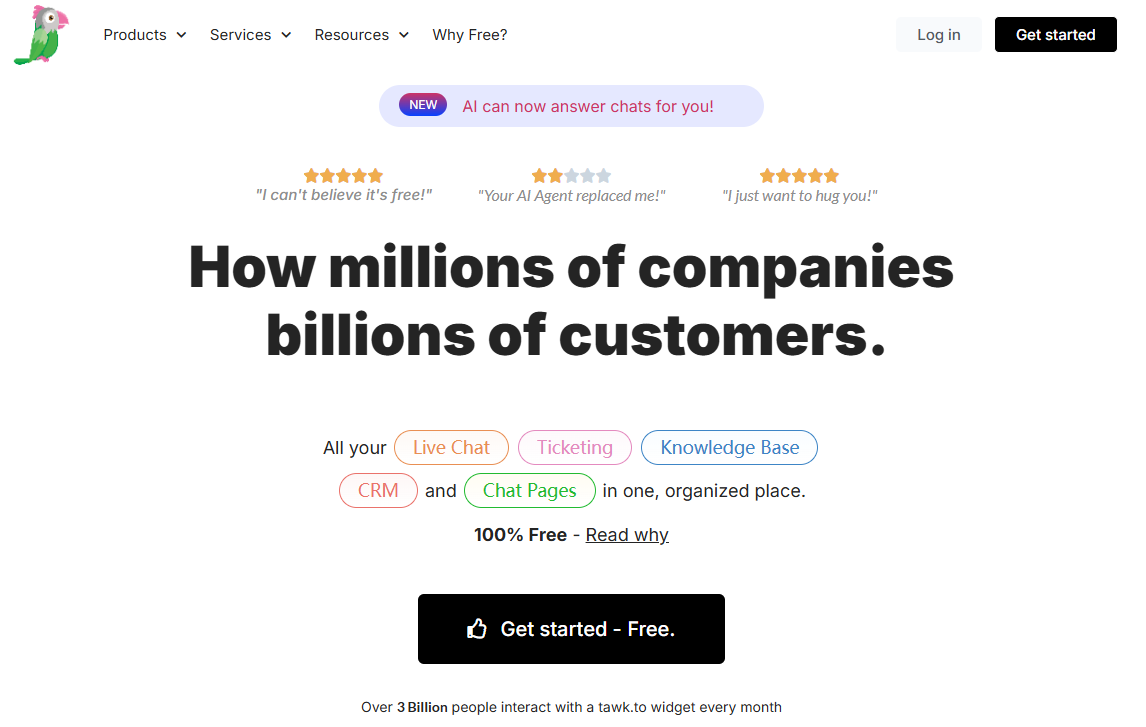
tawk.to value proposition fits in one line: free, unlimited, no credit card required. Unlimited agents. Unlimited conversations. Unlimited chat history. Unlimited websites. All $0. This isn’t Tidio’s “50 free chats then pay” trial-style free, or JivoChat’s “free but only 2 months of history” watered-down free. It’s genuinely, permanently free.
Over 7 million businesses use tawk.to. It powers 35% of all websites that run live chat — the largest install base in the world.
But free comes with trade-offs. tawk.to is a single-channel tool — web chat only. No WhatsApp, no Instagram. And its AI capabilities aren’t in the same league as Tidio Lyro or JivoChat AI Agent. The free price tag is real. So are the limits.
This review breaks down tawk.to across five dimensions — where it’s a game-changer, and where free can actually cost you more.
Evaluation Criteria
I evaluated tawk.to across five dimensions, with a focus on what “free” actually means:
- Where free ends — What’s permanently free? What costs money?
- Human chat features — Chat, ticketing, knowledge base, CRM — can it run daily operations?
- AI capability — Can AI Assist and Apollo actually deliver?
- Daily usability — Notification reliability, desktop and mobile apps, admin panel
- Pricing and value — What do add-ons cost? How does it stack up against competitors?
tawk.to Free Plan: What’s Included and What Costs Extra
tawk.to free tier is in a league of its own among live chat software. It doesn’t cap conversations like Tidio (50/month), doesn’t limit chat history like JivoChat (2 months), and doesn’t pull the “14-day trial then pay” routine.
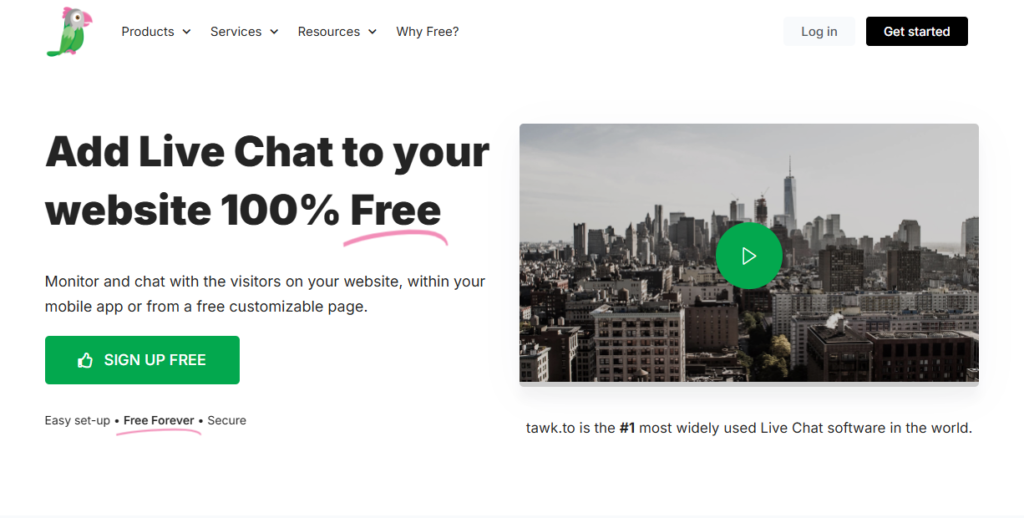
Permanently free, no limits:
- Live chat — unlimited conversations, unlimited concurrent chats
- Agents — unlimited seats, unlimited accounts
- Chat history — stored forever, no expiration
- Websites — unlimited sites, unlimited domains
- Ticketing system — full help desk functionality
- Knowledge base — public-facing self-service help center
- Basic CRM — contact history and conversation management
- 45+ language support
- Visitor monitoring — real-time page views, traffic source, geo-location, IP
- Canned responses, triggers, scheduling
- File sharing, emoji, screenshot sharing
- Desktop apps for Windows/Mac, mobile apps for iOS/Android
This is genuinely generous. Most live chat tools strip out exactly these features from their free plans — unlimited conversations, permanent history — and tawk.to gives them all away.
What costs money:
| Add-on | Price | Notes |
|---|---|---|
| Remove branding | $39/month or $348/year (~$29/mo) | Removes “Powered by tawk.to” badge |
| AI Assist | From $29/month | AI reply suggestions and auto-responses |
| Video + Voice | From $49/month | Video and voice calls |
| Hired agents | From $1/hour | tawk.to staff answer chats for you |
One catch: branding removal is per website. Three sites means three charges. That’s an easy hidden cost to overlook.
Core Live Chat Features: Solid Basics, No Social Channels
tawk.to’s chat functionality is complete. The unified dashboard covers real-time chat, ticket conversion, knowledge base management, and visitor monitoring. The chat widget is highly customizable — colors, position, language, greeting text.
What works well:
- Visitor monitoring shows which page a visitor is on, where they came from, their location and IP. For sales teams doing proactive outreach, knowing who’s browsing which page is conversion gold.
- Typing preview — like JivoChat, agents can see what a visitor is typing before they hit send, giving them a head start on responses.
- Canned responses and message templates support placeholder variables, cutting down repetitive typing.
- The ticketing system and knowledge base are full-featured, not stripped-down afterthoughts.
What’s mediocre:
- No WhatsApp, Instagram, or Messenger integration. tawk.to is web chat only — a single-channel tool. If a customer reaches out via Instagram, tawk.to can’t help you.
- Analytics and reporting are basic. You won’t find deep agent performance metrics.
- The CRM stops at basic contact management. No sales pipeline, no lead tracking.
At its core, tawk.to is a web chat tool. Its scope ends at “website visitors messaging you.” Anything beyond that line — social channels, phone, real AI — is either absent or costs extra.
AI Assist: Basic Automation, Not Autonomous Customer Support
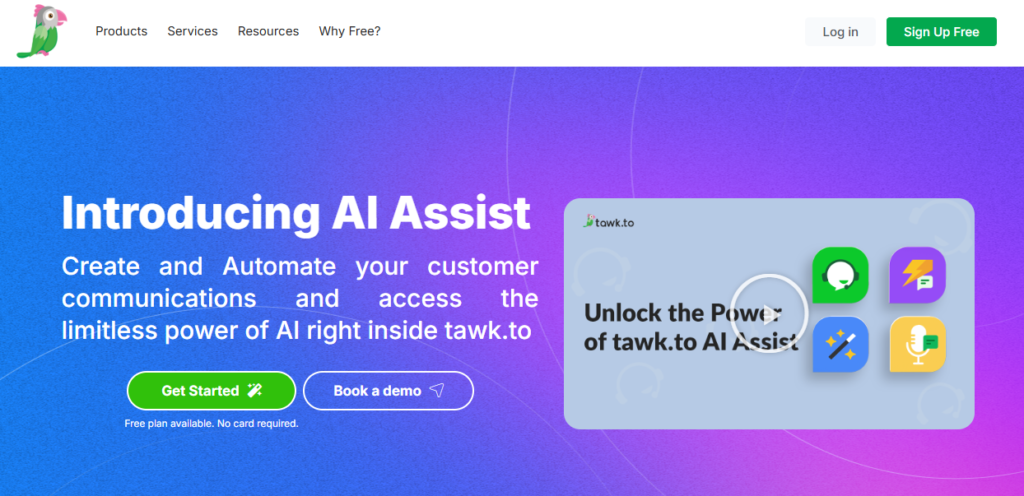
tawk.to’s AI Assist is a paid add-on, starting at $29/month. It does two things:
- AI reply suggestions — Generates draft replies for agents to review and send. It doesn’t replace humans; it helps them type faster.
- Apollo AI Bot — An auto-responder that handles basic questions using a knowledge base.
Compared to Tidio Lyro and JivoChat AI Agent, the gap is substantial:
- Lyro resolves 67% of queries and AI Agent resolves 80% — both can handle the majority of customer questions autonomously. tawk.to doesn’t even publish a resolution rate for Apollo, and user consensus is that it handles only the most basic FAQ matching.
- Apollo only supports plain-text knowledge bases and web crawling (with page limits on lower tiers). No PDF or Word document uploads. Both Lyro and AI Agent accept multiple knowledge base formats.
- Apollo doesn’t learn from human agent responses. It won’t get smarter over time.
- tawk.to was built around human-led chat. AI is a bolt-on. Tidio and JivoChat built AI into the core. The design philosophies are fundamentally different.
Here’s the honest take: use tawk.to as a free, human-powered chat tool and it performs well. Expect its AI to cover the night shift for you — and it won’t.
Daily Experience: Unreliable Notifications Are the Real Weakness
Desktop App: Functional but Notification Issues Persist
tawk.to’s desktop app and web dashboard take a function-forward approach. The design isn’t flashy, but the logic is clear. The learning curve is manageable — creating departments, configuring triggers, and setting up canned responses are all easy to find.
The biggest problem is unreliable notifications — the number one user complaint on Capterra and G2. Symptoms include: message alerts arriving minutes late, notification sounds failing silently, and missed chats when the browser tab isn’t in focus. For a tool built around real-time chat, unreliable notifications are a critical flaw. A customer messages you, you don’t see it — it’s the same as not having chat installed at all.
Mobile App: Frequent Bugs and Low Ratings
The mobile apps (iOS and Android) cover the full feature set — reply to chats, monitor visitors, transfer conversations. But user ratings tell a rough story: Android sits at 2.4/5 recently. Main complaints: post-update bugs, messages failing to send, notifications not pushing through, and auto-logouts.
If you rely on mobile for customer responses, tawk.to carries similar risk to JivoChat — evaluate carefully.
tawk.to Pricing: Why $0 Isn’t the Full Cost
tawk.to’s pricing model is straightforward: core features free forever, revenue from add-ons. Here’s the official pricing (monthly billing):
| Component | Monthly Price | Notes |
|---|---|---|
| Core product | $0 | Unlimited agents, chats, sites, history |
| Remove branding | $39/mo ($348/yr) | Per website |
| AI Assist | From $29/mo | AI replies and auto-responses |
| Video + Voice | From $49/mo | Video and voice calling |
| Hired agents | From $1/hr | tawk.to staff handle chats |
A startup wanting a professional-looking chat widget (branding removed) faces a real cost of $29–39/month. Add AI Assist, and the starting cost rises to $68/month.
Stacked against Tidio and JivoChat:
- tawk.to basic (branding removed): $29–39/month, web chat only, no AI
- tawk.to + AI (branding removed + AI Assist): from $68/month, web chat only, basic AI
- Tidio (Growth + Lyro): ~$82/month, web + social channels, strong AI
- JivoChat (Professional + AI Agent): ~$111/agent/month, 8+ channels including phone, strong AI
Once you add AI to tawk.to, the $68/month isn’t far from Tidio’s $82/month — but the AI is in a completely different class, and you still don’t get social channels. tawk.to’s real value is at $0. The moment you start paying, the value proposition erodes fast.
tawk.to vs. Tidio vs. JivoChat
These three live chat tools couldn’t be more different in positioning.
tawk.to is free. Unlimited agents, unlimited chats, unlimited history — the largest install base in the world with 7M+ businesses. Best for zero-budget teams with someone available to answer chats manually. The trade-offs: web chat only, basic AI, unreliable notifications, low mobile app ratings.
Tidio is AI + e-commerce integration. Lyro runs on Claude, resolves 67% of queries, and the Shopify/WooCommerce integration depth is best-in-class. The desktop experience is polished. The trade-offs: no phone capability, and AI add-ons inflate the real price.
JivoChat is AI + omnichannel. AI Agent runs on OpenAI, claims an 80% resolution rate, with 8+ channels in a unified inbox including phone. The trade-offs: unstable mobile app, per-agent pricing pushes total costs higher.
Which Live Chat Software Should You Choose?
- Zero budget, someone available to reply manually, web chat only → tawk.to ($0, branding removal optional)
- AI overnight coverage, running WordPress or Shopify, no phone needed → Tidio (Growth + Lyro, ~$82/month)
- High-resolution AI + full omnichannel with phone → JivoChat (Professional $42 + AI Agent $69/agent/month)
Here’s what gets overlooked: the time cost of a free tool. tawk.to can’t answer customer questions for you — someone has to watch the screen. If the value of your time exceeds the cost of hiring help or buying AI, tawk.to’s “free” isn’t actually cheap.
How to Get Started With tawk.to for Free
tawk.to requires no credit card to sign up. You can have the chat code installed on your site in under three minutes. Run the free version for a week and watch two things: how severe the notification delays are in your actual work setup (can you get alerts when the browser tab isn’t focused?), and how many conversations you actually handle per day. If you’re averaging more than 30 daily, calculate whether the time cost of manual replies outweighs the AI cost of Tidio or JivoChat. Add branding removal and AI Assist later if you need them — don’t buy upfront.